Run and walk by heart rate, not pace.
Your first run starts with a walk.
Your audio coach on Apple Watch tells you when to run and when to walk, right in your ears. Start with twenty minutes, and walk as much as you need.

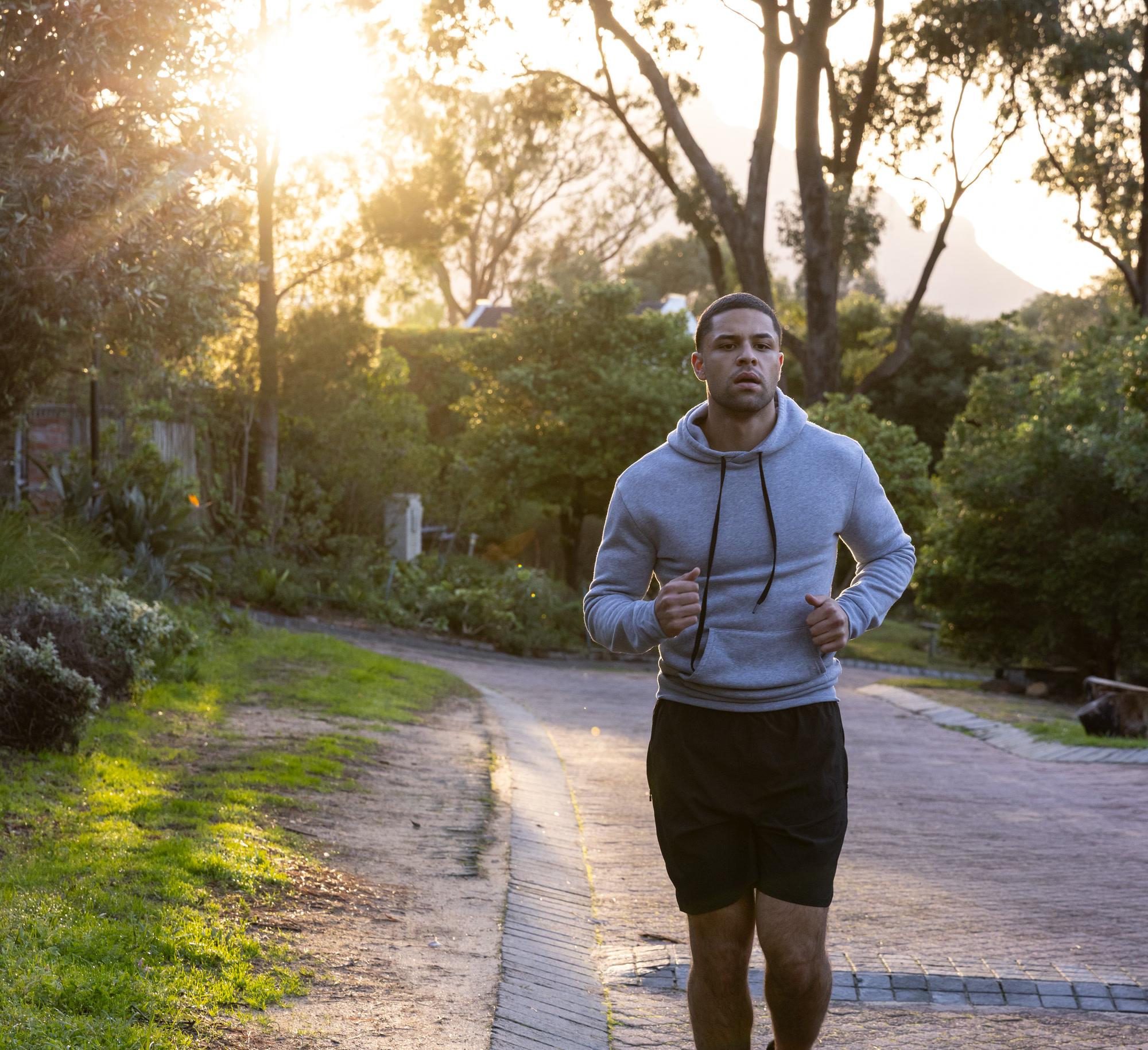
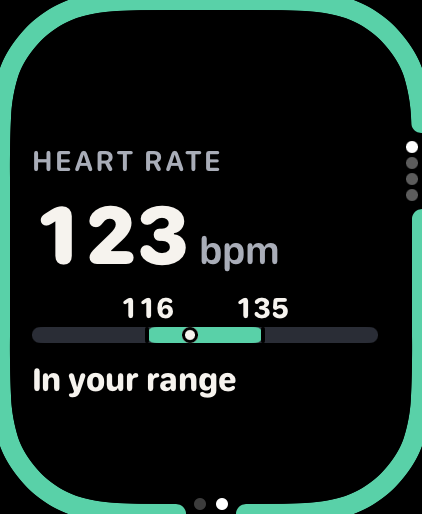
Why First Gear is different.
Most beginner plans follow a clock. First Gear is an audio coach that follows your heart rate, and tells you when to run and when to walk.
Plays nicely with music and podcasts.
Music gets quieter while your coach speaks, podcasts pause and resume, and rising or falling tones cue each change.
Catches spikes before they happen.
Your coach tracks where your heart rate is heading and calls a walk before you blow past your ceiling.
Adapts to your day automatically.
Warm weather, back-to-back runs, or time off open a gentler session with more walking room and no daily survey.
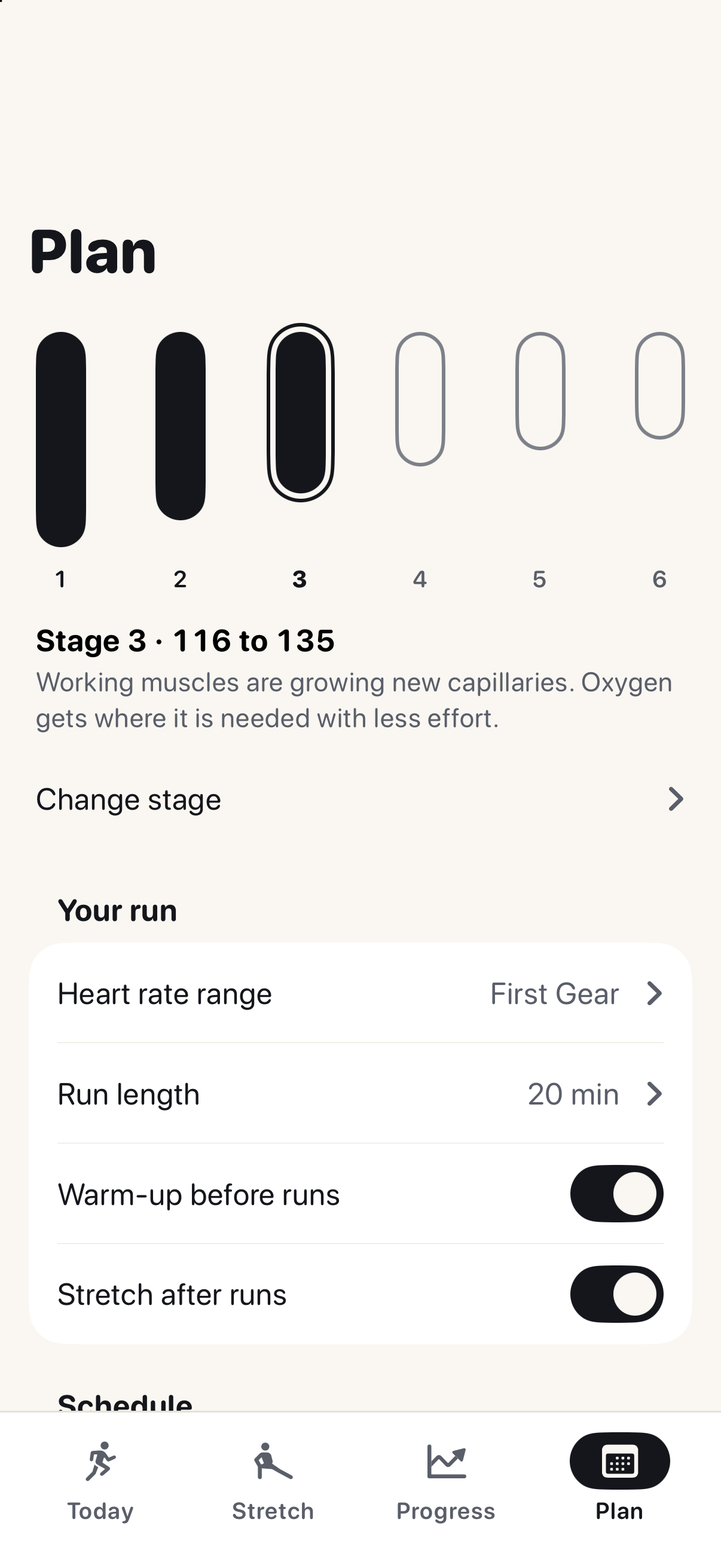
Your range and your run length.
Use First Gear's estimate, Zone 2, MAF, or a custom top, for 10 to 60 minutes or an open run.
See Zone 2 and MAF options
Phone runs
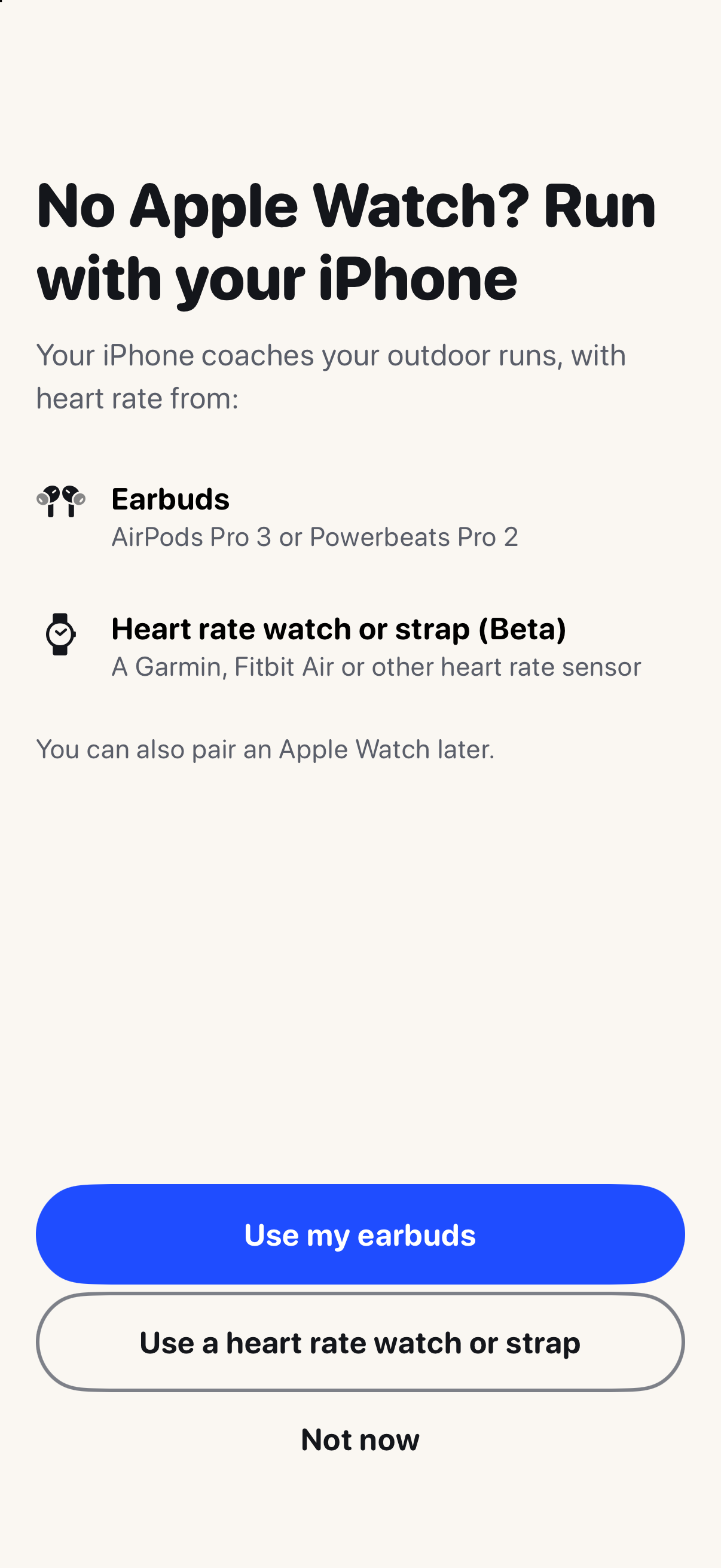
No Apple Watch? Run with your iPhone.
Bring AirPods Pro 3, Powerbeats Pro 2, a Garmin or a chest strap. Keep your phone in your pocket while live heart rate and your range stay on the Lock Screen and Dynamic Island.
Phone runs need iOS 26 or later with earbuds, and iOS 26.1 or later with a heart rate watch or strap, which is in beta. They work outdoors for now.
See how it works.
Press play. In under a minute, Lana walks you through a session on the Watch.
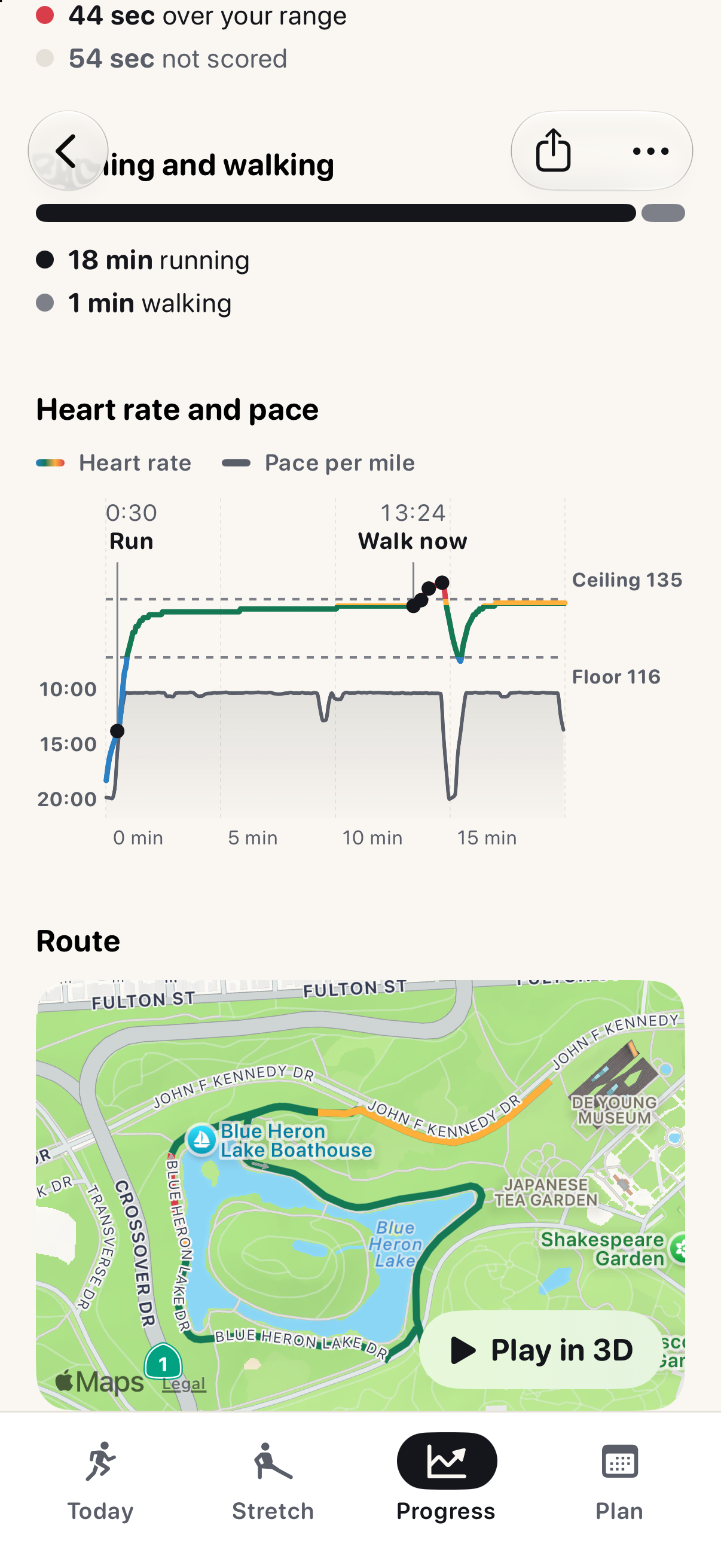
See every call your coach made.
Open your finished run on iPhone to see every run and walk cue pinned on your heart-rate and pace chart, beside a route map colored by effort.
- Coach cues pinned on your chart
- 3D route flyover colored by effort
- Personal records for easy minutes, never speed
Leave your phone at home on Apple Watch runs, then review your run on iPhone afterward.
See how scoring and stages workFinish with a stretch.
Your run ends. Your coach stays. Follow one guided stretch, and you are done for the day.
- About 5 or 10 minutes
- New moves each day
- Saves to Apple Health
On iPhone, after a run or any time. Saving to Apple Health needs your permission.
See how the stretch works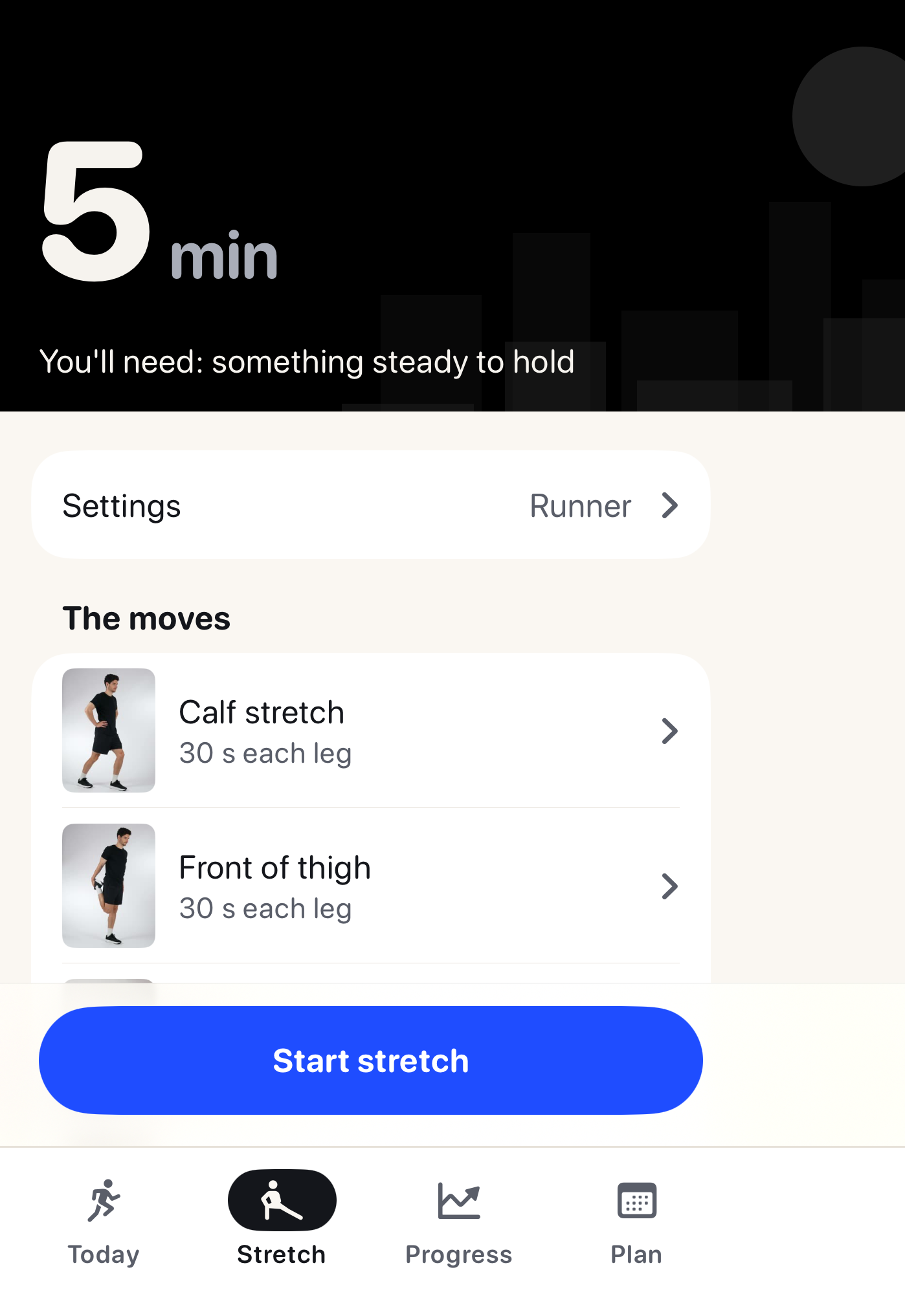
The First Gear method.
Same twenty minutes. A little more running.
Six stages, and you choose when to move up. At each one, your coach invites you to run a little sooner.
A twenty-minute run at three stages.
Illustration- Stage 1: Longer walks between runs.
- Stage 3: Shorter walks, so more of it is running.
- Stage 6: The shortest walks, and the most running of the three.
- Running
- Walking
- All the running, added up
Questions before you start.
Your next twenty minutes start here.
Pick your three days and head out. You can walk all of it.
Try your first week free. Cancel at least a day before the free week ends and you pay nothing.
$4.99/month or $29.99/year after the trial. Subscriptions renew automatically unless canceled. Local prices and trial eligibility appear in the App Store.